Participation
We're a SourceForge Top Performer for Digital Credential Management.Read the announcement
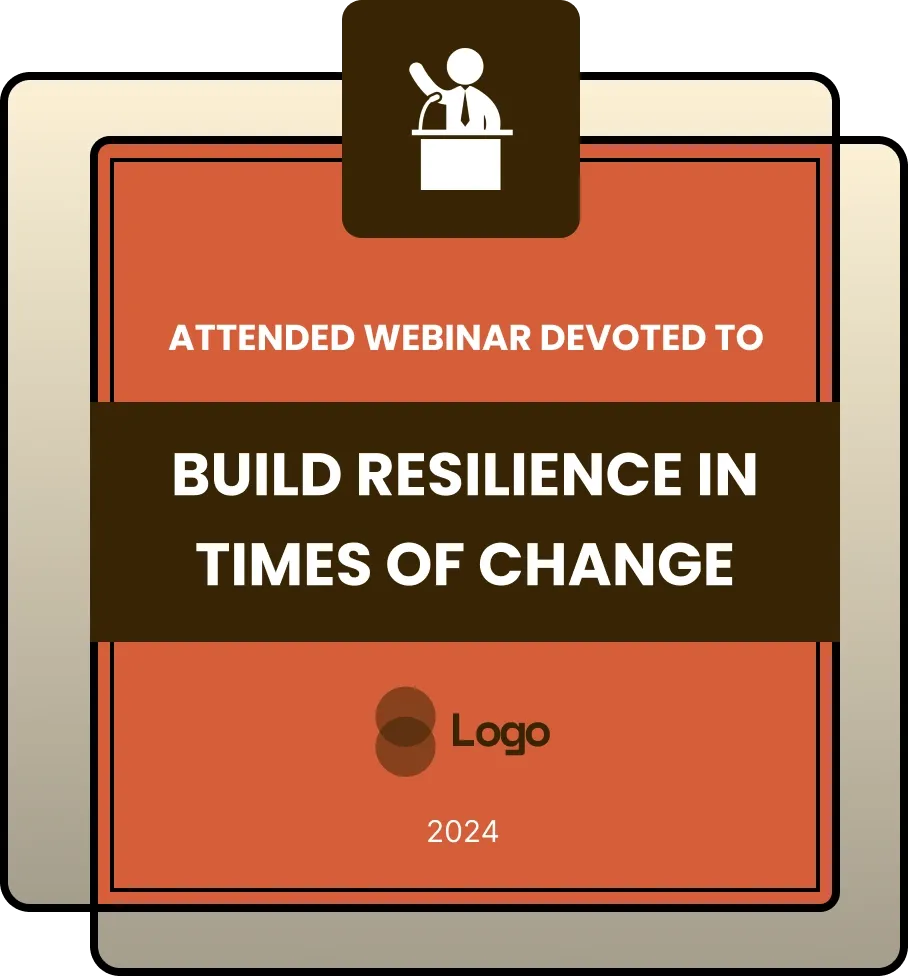
A modern, square-on-square-shaped badge that comes in yellow, green, and red. The top portion includes an icon, while the center highlights the webinar or event name. Below, the company name is neatly placed. Sleek and professional, this badge is ideal for virtual events, masterclasses, and workshops.
Use this templateCATEGORIES
Edit color, fonts, logos, and layout freely in the Wauld visual editor
Every issued certificate gets a unique QR code linking to a live verification page.
Upload a CSV and issue personalized certificates to hundreds at once.
Each recipient gets a public URL for LinkedIn, portfolios, and email signatures.
The Stacked Square Webinar Badge offers a fresh, minimalistic layout perfect for webinars, online talks, or educational events. Designed with a double-square structure—one stacked over the other—it feels contemporary and clear. The top section features an icon space, which can be customized depending on the event’s theme (e.g., a mic for speaker sessions or a graduation cap for learning-based events).
The center of the badge is reserved for the webinar title or event name, written in bold, modern fonts to catch attention. Right beneath this, the company or host name is placed with enough prominence to maintain brand recognition without clutter.
The badge comes in three bright, professional-looking variants:
Ideal for attendees or speakers, the badge is fully customizable with editable icons, titles, fonts, and background colors. It works well in digital certificates, webinar recap pages, and post-event credentials.
Key Features:
Participation

Participation
Participation

Participation
Design, issue, and verify certificates and badges in minutes. Free for up to 300 credentials — no credit card required.